
Resources
What Is a Headless CMS and Should You Use One
A plain-language explanation of headless CMS for marketers and content teams, the real pros and cons, when it fits, popular options, and what it means for your team day to day.

Ahmad Saeed
Full-Stack Engineer, Devity Technologies
If you have heard "headless CMS" mentioned in a meeting and nodded along without being entirely sure what it meant, you are not alone, it is one of those terms that gets thrown around constantly without much plain explanation. This guide breaks it down properly for marketers and content teams specifically, what it actually is, the real pros and cons, when it genuinely fits, the popular options, and what it changes for your team's day-to-day work.
Headless CMS, Explained Simply
A traditional CMS, the kind most content teams grew up using, does two jobs at once. It is where you write and manage your content, and it is also what decides how that content looks and behaves on your live website. The two are built together as one connected system.
A headless CMS splits those two jobs apart. It is purely the place where content lives, gets written, edited, and organised, with no built-in opinion about how it should look on a page. Instead, it hands that content off to whatever displays it, your website, a mobile app, a screen in a physical store, through something called an API, which is essentially a structured, automated way for two systems to exchange information.
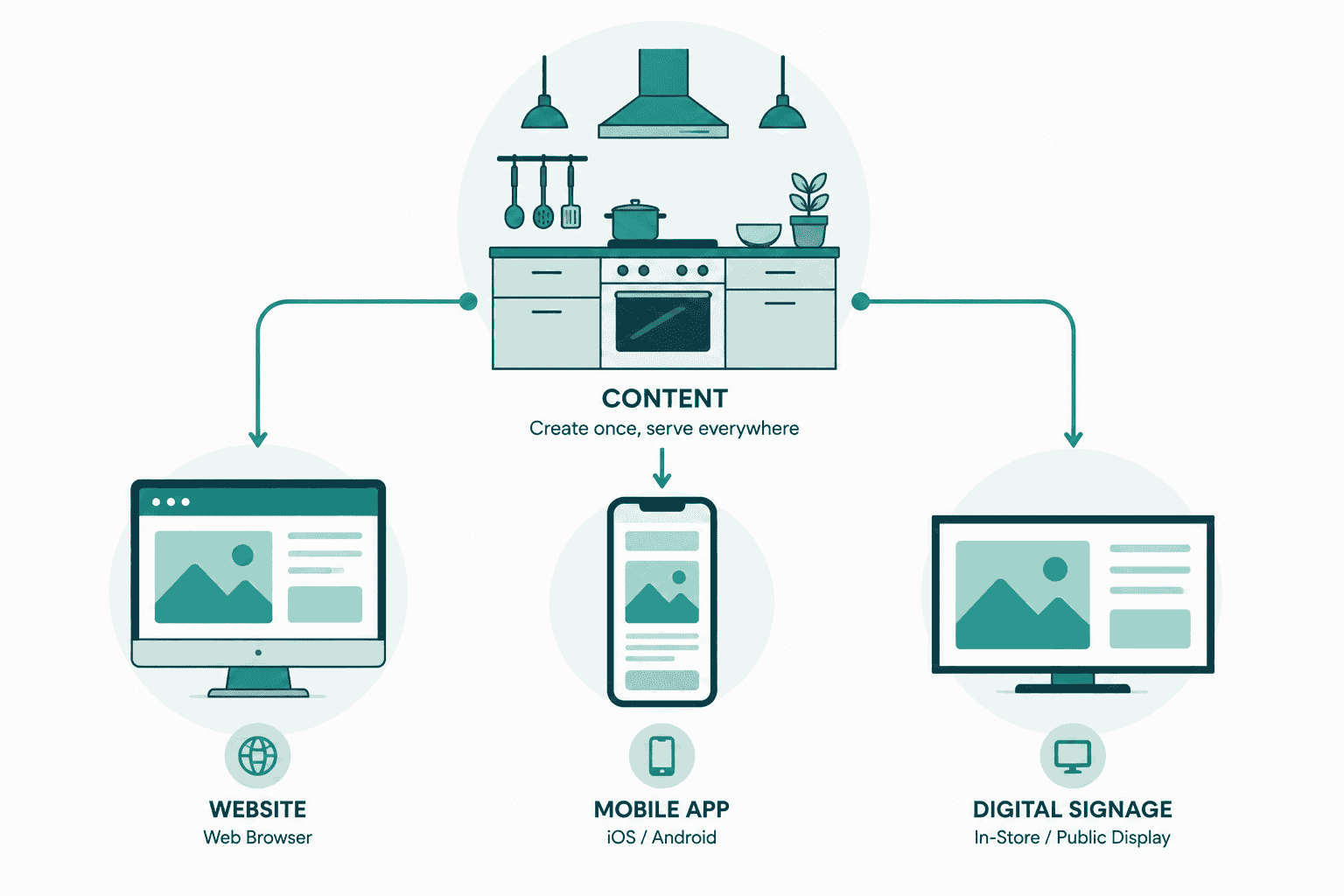
Think of it like a kitchen that no longer has one fixed dining room attached to it. The kitchen still prepares the food, your content, but that same food can now be sent out to several different dining rooms at once, a website, an app, a partner's platform, rather than being stuck serving only the one room it was originally built next to.
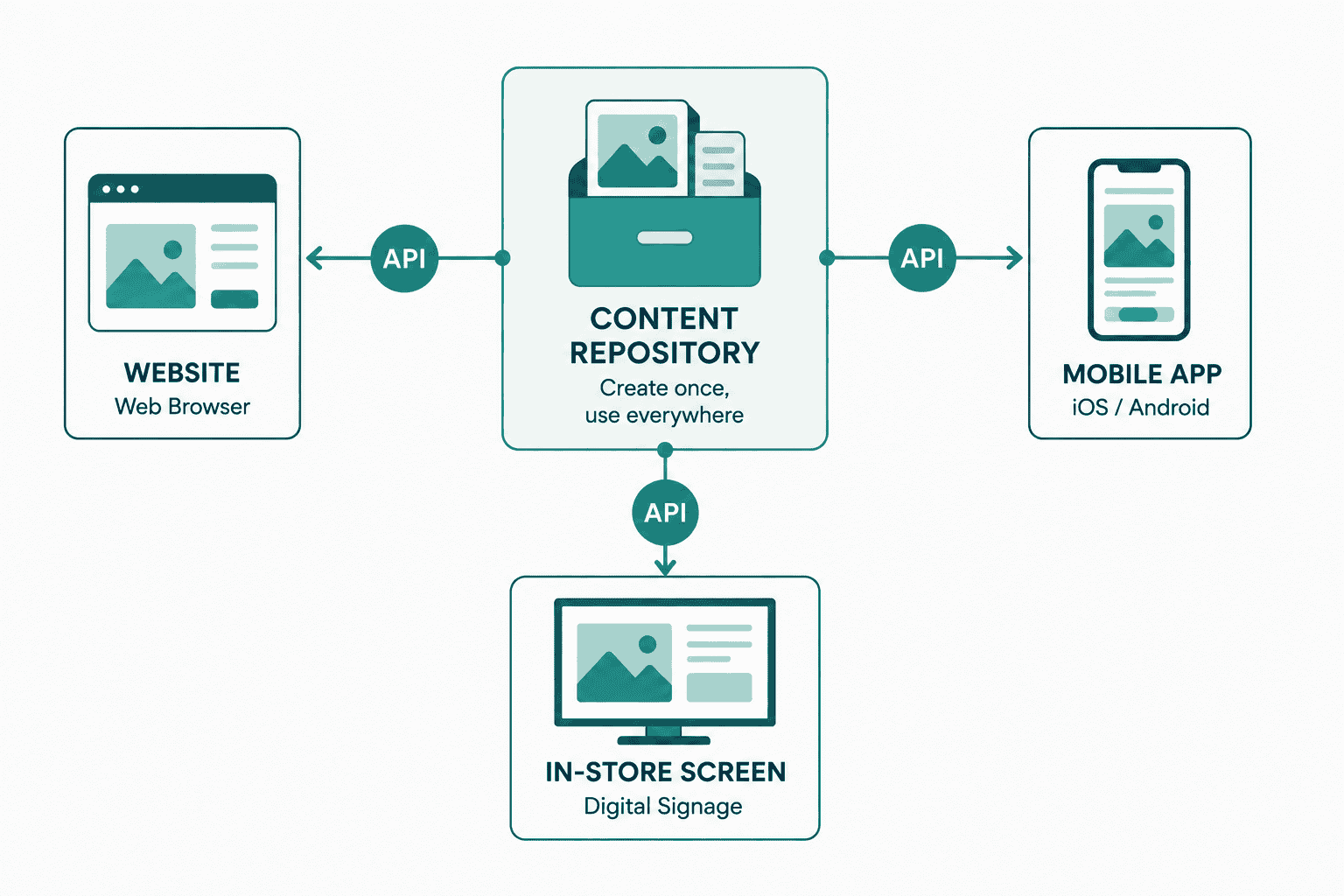
A concrete example makes this less abstract. Imagine a retail brand that publishes product descriptions, images, and promotional copy. On a traditional CMS, that content is written once for the website, then someone manually rewrites or reformats a version for the mobile app, and another version for in-store digital screens, three separate efforts for the same underlying information, with real risk of the versions drifting out of sync over time. On a headless CMS, that same content is written once, and the website, app, and in-store screens each pull the current version automatically through the API, no manual duplication, no risk of one channel showing outdated pricing while another shows the current promotion.
The Real Pros and Cons
The genuine benefits:
You can publish the same piece of content once and have it automatically available everywhere it needs to be, your website, an app, a marketing screen, without manually copying and pasting it into multiple separate systems, which is both slow and a common source of outdated or inconsistent content across channels.
Your website's design and technology are no longer tied to whatever your CMS happens to support. A design or engineering team can build and rebuild the frontend using modern, fast tools without needing to migrate your entire content library in the process.
Your site tends to load faster, since a purpose-built frontend is generally quicker than a traditional CMS rendering pages the way it always has, with whatever overhead that comes bundled in.
The genuine drawbacks:
You typically lose the ability to see exactly how your content will look on the finished page while you are editing it, since the CMS itself has no built-in design layer to preview against. Some platforms have improved this with preview tools, but it is rarely as seamless as a traditional CMS where what you see while editing is what visitors will see.
Your team becomes more dependent on developers than before. The frontend that actually displays your content has to be built and maintained separately, which means changes to how things look or behave usually require engineering involvement in a way a traditional CMS's built-in themes did not.
There is real setup cost and complexity upfront, a headless CMS is not simpler than a traditional one out of the box, it shifts complexity from "learning one all-in-one tool" to "coordinating two connected systems," which suits some teams and genuinely does not suit others.
When It Actually Fits
It fits well when you are publishing the same content across genuinely multiple channels, not just a website, and doing so manually has become a real, recurring headache for your team. It also fits well when your business has specific, ambitious plans for how your website should look and perform that a traditional CMS's themes and templates cannot deliver, and you have the engineering support to build and maintain a custom frontend properly.
It fits poorly when you publish to one website, your current system already lets your content team work independently without needing a developer for routine changes, and nothing about your channel strategy is genuinely multi-platform. Adopting headless in that situation adds real complexity and developer dependency for very little practical benefit.
This is closely related to the broader question of whether your business is ready for headless architecture generally, not just for content, which we cover in more depth in our guide to headless commerce, since the same underlying decision, and many of the same trade-offs, apply whether you are talking about content or a full storefront.
Popular Options in 2026
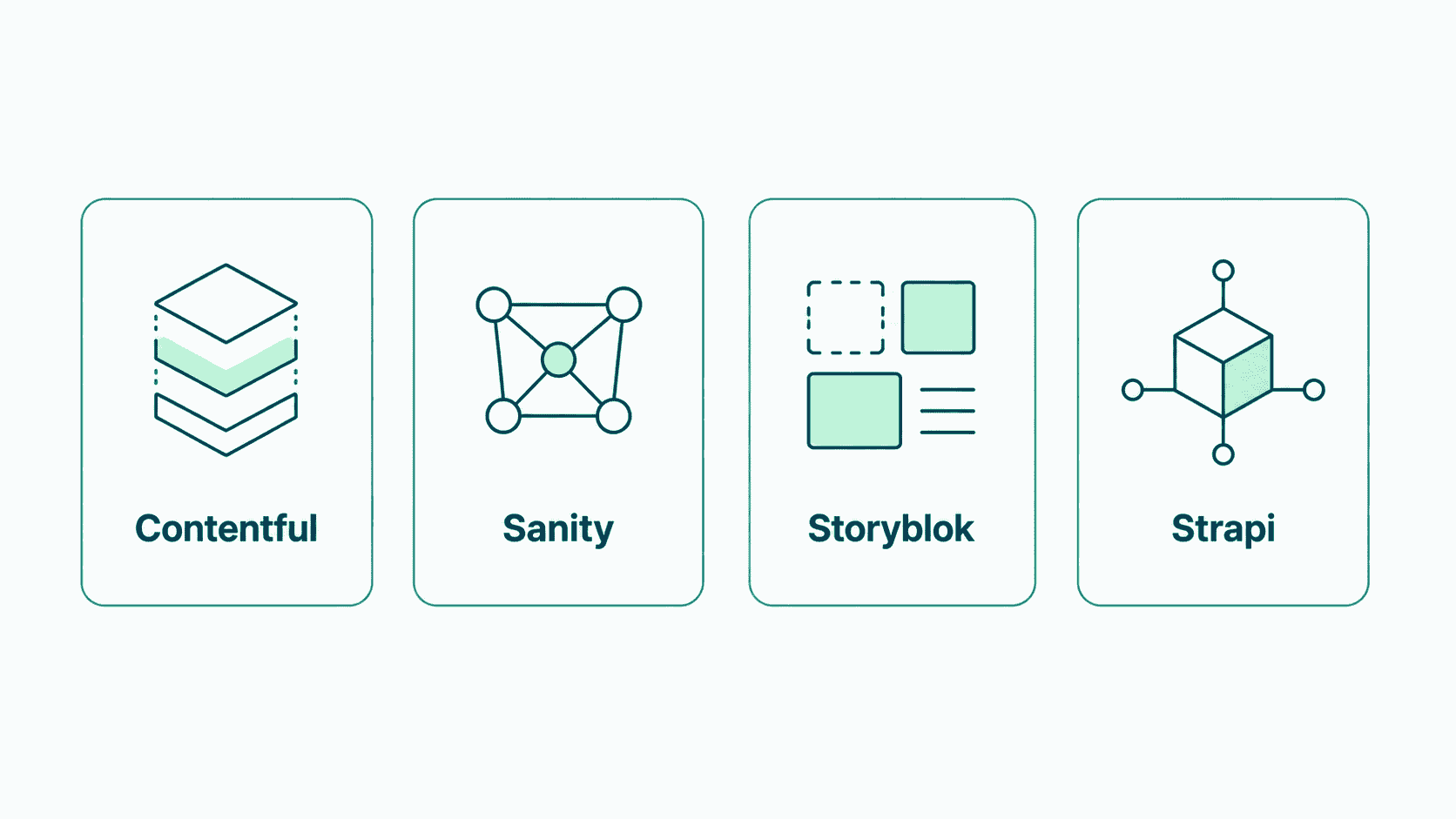
The most widely used headless CMS platforms right now include Contentful, Sanity, Storyblok, and Strapi, each with slightly different strengths around editor experience, pricing, and how they integrate with modern frontend frameworks. WordPress, the CMS many marketers already know well, can also run in a headless configuration, which is often a sensible middle ground for a business with an existing content library and team familiarity, rather than adopting an entirely unfamiliar platform from scratch.
Which specific platform fits best depends on your team's technical comfort, how many people are actively publishing content, and what your frontend is actually being built with, a decision worth making alongside whoever is building or maintaining that frontend, rather than in isolation.
It is also worth knowing that "headless" is not always a strict, all-or-nothing choice. Some platforms now offer a hybrid approach, giving content teams a built-in preview and page-building experience closer to a traditional CMS, while still exposing content through APIs for other channels behind the scenes. This middle ground can be a genuinely sensible fit for a team that wants some of headless's multi-channel benefits without giving up the visual, what-you-see-is-what-you-get editing experience entirely.
What It Means for Developers
For the engineering side of a headless setup, the appeal is real and specific. Developers get to build the frontend using whatever modern tools genuinely fit the job, rather than working within a CMS's built-in theme system and its inherent limitations. Redesigning or rebuilding the site does not require migrating the entire content library, since the two systems are separate, a redesign only touches the frontend, not the content itself.
The trade-off on the development side is ongoing ownership. A headless frontend is not something a vendor maintains for you the way a traditional CMS's theme system often is, it is a real, standalone piece of software that needs the same care, updates, and attention as any other part of your website.
In Practice
Whether a headless CMS is the right move usually comes down to the same underlying question as headless commerce more broadly, is your business genuinely blocked by what a traditional, all-in-one system can offer, or would that added complexity outweigh a real problem you are not actually experiencing yet. If you want an honest read on whether your specific publishing needs justify the switch, our web platform development service is a good place to have that conversation without a predetermined answer.
The teams that get the most out of a headless CMS are not the ones who adopted it because it sounded modern, they are the ones who were already feeling the specific pain of publishing across multiple channels, and made the switch to solve a real, recurring problem rather than to follow a trend.
FAQ
Questions, Answered.
Read next
More on Web Platforms
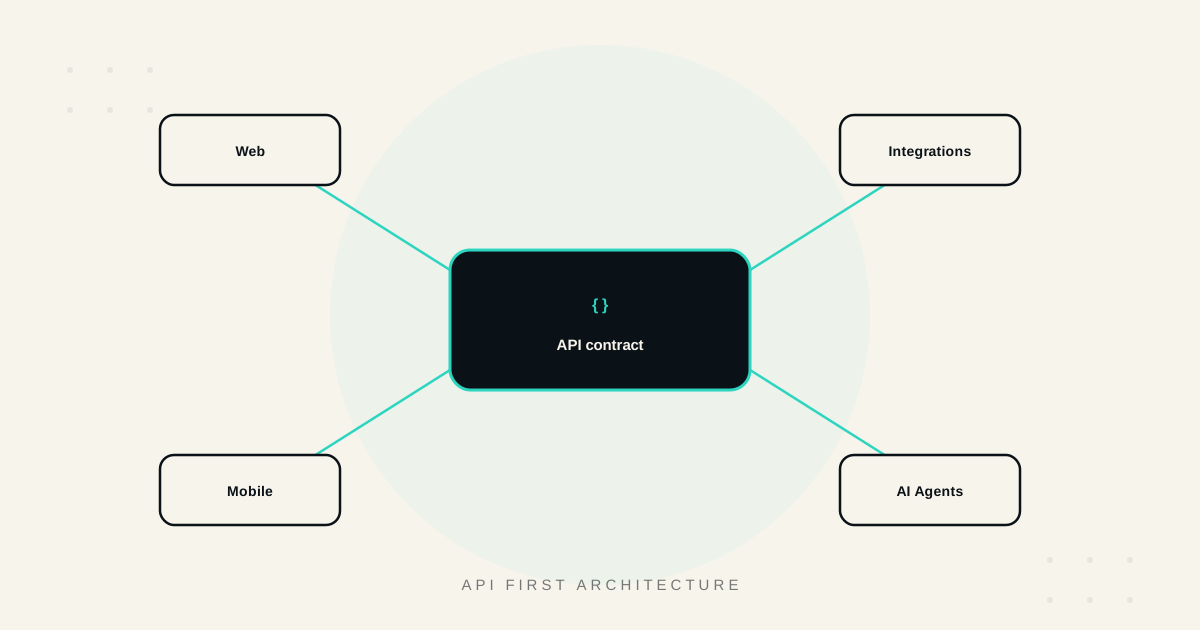
API First Architecture: Building Software That Scales and Integrates
What API-first architecture actually means, the real benefits, how it enables genuine integration and reuse, and when it matters versus when it's unnecessary overhead.
Build vs No Code for Web Apps: Where the Line Really Is
Where no-code web app builders genuinely excel, where they break down, and how to think about performance, ownership, and the migration path before you commit.
Core Web Vitals: A Practical Guide to a Faster, Higher Ranking Site
What LCP, INP, and CLS actually measure, the fixes that move each metric, how to measure them correctly, and the real business impact of getting them right.