
Resources
Build vs No Code for Web Apps: Where the Line Really Is
Where no-code web app builders genuinely excel, where they break down, and how to think about performance, ownership, and the migration path before you commit.

Ahmad Saeed
Full-Stack Engineer, Devity Technologies
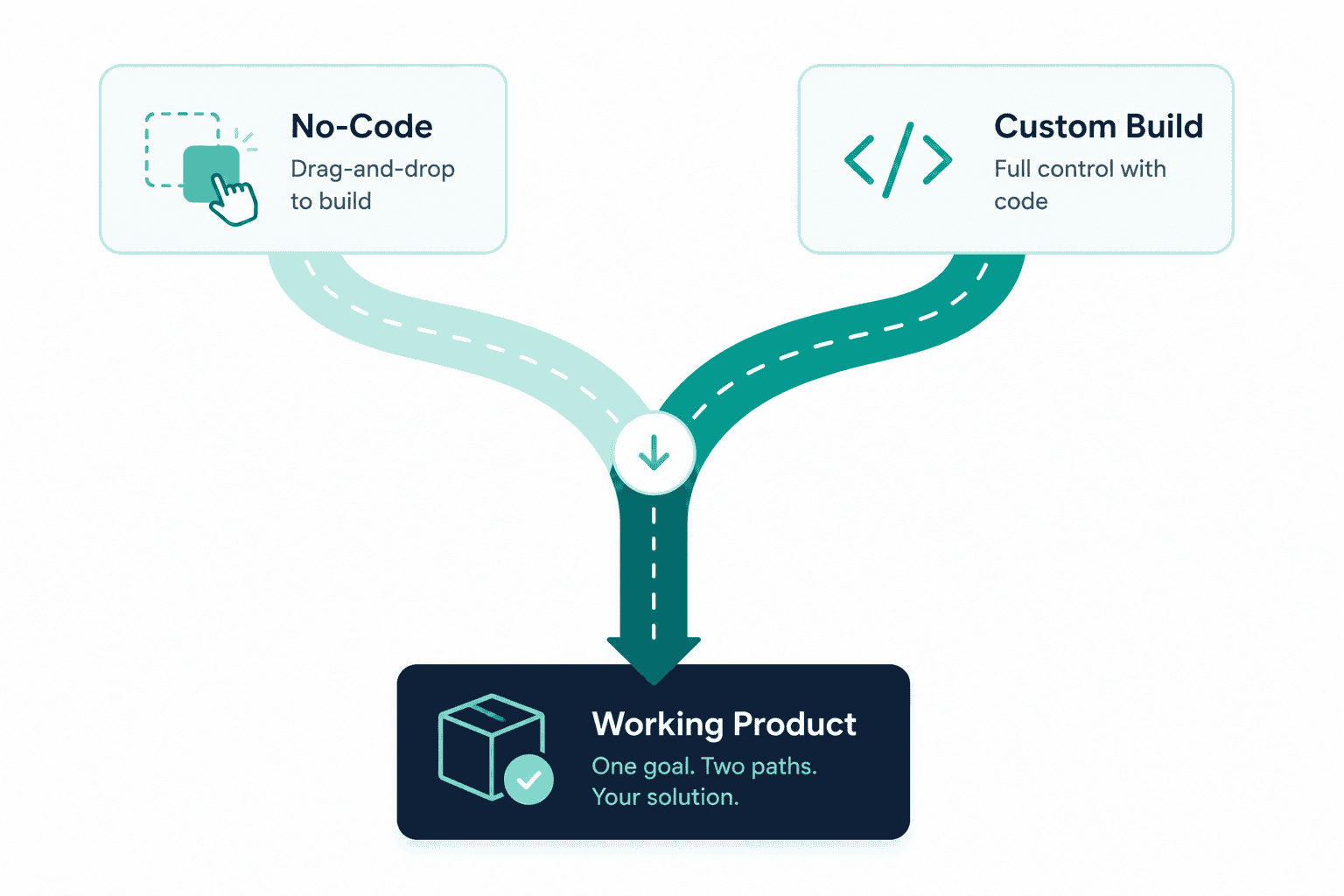
No-code web app builders have gotten genuinely good, and pretending otherwise does nobody any favours. The honest question for most founders is not whether no-code works, it clearly does for a huge range of products, but where the actual line sits between what no-code handles well and what genuinely needs custom development. This is the direct web equivalent of the same question we cover for automation platforms elsewhere on this site, and the honest answer here follows the same shape: both approaches are legitimate, and the right choice depends on your actual constraints, not on which one is trending.
Where No-Code Genuinely Excels
Speed to a working product. A no-code platform can take a founder from idea to a live, testable product in days rather than months, which is a real and valuable advantage when the goal is validating demand, not building the finished version.
Low upfront cost. Most no-code platforms have modest entry-level pricing, making them a sensible starting point for a founder with limited capital who needs to test an idea before committing serious money to it.
Accessibility without a technical co-founder. A non-technical founder can build and iterate on a real product without needing to hire or partner with a developer for the earliest, most uncertain stage of a product's life.
Good enough coverage for genuinely simple products. Current platforms can realistically handle a meaningful majority, often somewhere in the range of 60 to 80%, of what a typical application needs, standard database structures, common workflows, and reasonably flexible visual customisation.
Easy iteration during early validation. Changing course based on early user feedback tends to be genuinely fast on a no-code platform, since there is no deployment pipeline to manage and most changes are visible immediately. For a product still finding its shape, this speed of iteration is a real advantage independent of cost.
None of this is a grudging concession. For a genuinely simple product, an internal tool, a straightforward marketplace, a content-driven site with light interactivity, no-code can be not just adequate but the smarter choice.
Where It Breaks
The honest limitations tend to show up in a consistent pattern, not randomly.
Deep, specific customisation. When a product needs a fully custom interaction, a proprietary algorithm, or a feature that does not map onto any existing component the platform offers, most no-code tools hit a real ceiling. Some offer custom code injection or extension layers to push past this, but at that point you are already writing and maintaining real code within a platform not originally designed for it.
Complex, high-volume workflows. A no-code platform's visual workflow builder handles a handful of conditional steps well. A workflow with many branches, high transaction volume, or logic that depends on nuanced business rules tends to become difficult to build and even harder to debug once something goes wrong.
Performance at real scale. No-code platforms run on shared infrastructure optimised for their platform's general use case, not your specific application. As usage grows, this can show up as real, user-visible performance limitations that are difficult to resolve without leaving the platform entirely.
Integration depth. Most platforms offer solid coverage of common third-party integrations, but a genuinely custom or less mainstream integration can require workarounds that add fragility rather than the clean, native connection a custom build would allow.
Vendor and pricing risk. A no-code platform's pricing and feature set are entirely under someone else's control. Tiers scale sharply as usage grows, sometimes reaching several hundred pounds a month once a product hits meaningful traffic or data volume, and a platform's policy or pricing changes can materially affect your product's economics with little notice. This is a genuinely different kind of risk than anything present in a codebase you own outright.
Performance and Ownership: The Two Questions Worth Asking Directly
Performance is not just about raw speed, though that matters. It is about whether the platform can handle your actual, real-world usage pattern, not a generic demo scenario. A product with unpredictable traffic spikes, heavy data processing, or strict latency requirements is exactly where shared no-code infrastructure tends to show its limits first.
Ownership is the less discussed but equally important question. On most no-code platforms, you own your content, your data, and your users, but not the underlying source code, which is generated and held within the platform's own environment. For the large majority of products, this genuinely does not matter, you do not need the source code of your app any more than you need the source code of your email provider. It starts to matter when your product's core value depends on genuinely proprietary logic, when you are raising investment and due diligence expects a real, ownable codebase, or when platform pricing or policy changes leave you wanting the option to leave, and discovering that leaving means a rebuild, not a migration.
How AI Has Changed the Calculation
It is worth addressing directly, since the landscape has shifted meaningfully: AI-assisted development tools have blurred what used to be a cleaner line between no-code and custom-coded. Some newer AI-driven builders generate genuine, standard code from a plain-language description, code you can technically take elsewhere, rather than holding your application entirely within a proprietary visual builder. This has narrowed the ownership gap for some platforms, though not eliminated it, generated code still typically needs real engineering review before it can be trusted at production scale and under genuine load, in the same way a first draft needs editing regardless of who or what wrote it. The core trade-off between speed and depth of customisation has not disappeared, it has simply moved, with AI compressing the time it takes to reach the same eventual ceiling rather than removing the ceiling itself.
The Migration Path, When You Outgrow It
Outgrowing a no-code platform is common and not a sign anything went wrong, it is often a sign the product worked well enough to need more than its original foundation can support. A few things make this transition smoother when it happens:
Recognise the signal early, not after it becomes a crisis. Slowing performance, workarounds accumulating around a specific limitation, or a growing list of features you cannot build are all earlier, cheaper points to start planning a migration than waiting until the platform is actively blocking the business.
Understand what you are actually migrating. Data, users, and content typically move relatively cleanly to a new custom build. Business logic embedded in the no-code platform's own visual workflows generally does not transfer directly, it needs to be re-specified and rebuilt properly, which is a real project, not a simple export.
Migrate in a way that does not stall the business. A full replatform does not need to happen as a single risky cutover. The same phased, incremental approach used for legacy system modernisation, keeping the existing product running while a properly architected replacement is built and gradually takes over, applies just as well to a no-code-to-custom migration as it does to any other legacy modernisation project.
Treat the migration as an opportunity, not just a defensive move. A properly scoped custom build at this stage is also the point where the genuine architecture decisions, performance headroom, and ownership benefits of a custom-engineered product actually get realised, not just a like-for-like recreation of what the no-code version already did.
In Practice
The right call between no-code and a custom build is rarely permanent, plenty of successful products start on no-code, validate real demand cheaply, and migrate to a custom build once genuine scale or ownership needs justify it. If you are trying to work out honestly which side of that line your own product currently sits on, our web platform development service is a good place to have that conversation without a predetermined answer pushing you toward a bigger build than you actually need.
The founders who get this decision right are not the ones who pick a side early and defend it, they are the ones willing to revisit the question honestly as the product's actual needs change, and to treat both no-code and custom development as genuinely valid tools for different stages of the same journey.
FAQ
Questions, Answered.
Read next
More on Web Platforms
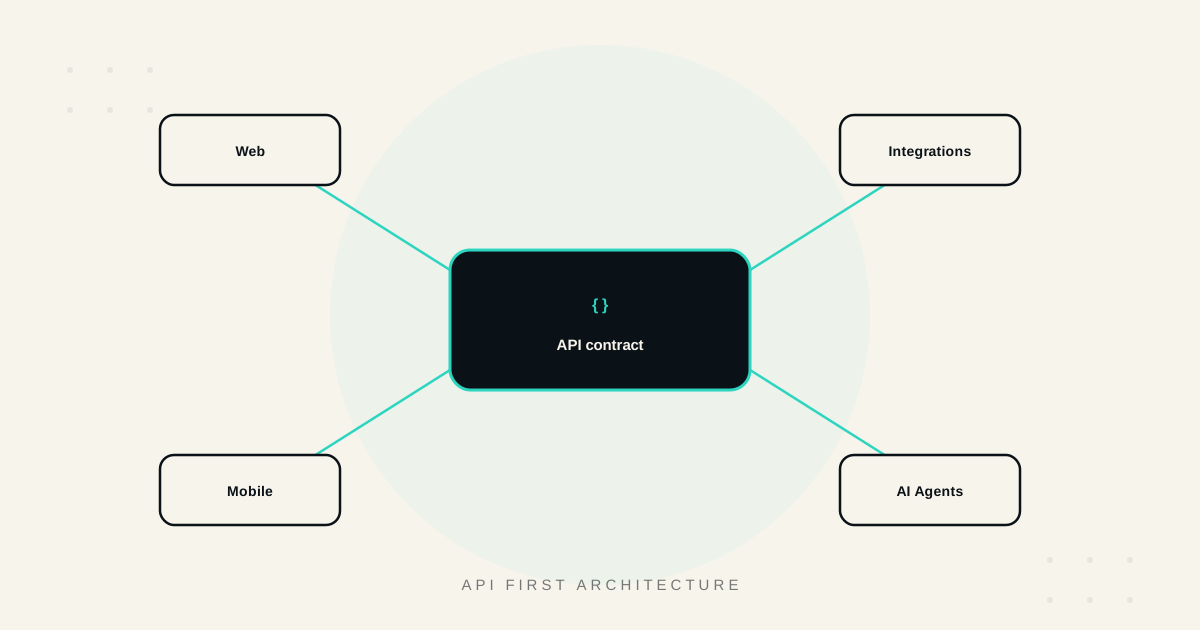
API First Architecture: Building Software That Scales and Integrates
What API-first architecture actually means, the real benefits, how it enables genuine integration and reuse, and when it matters versus when it's unnecessary overhead.
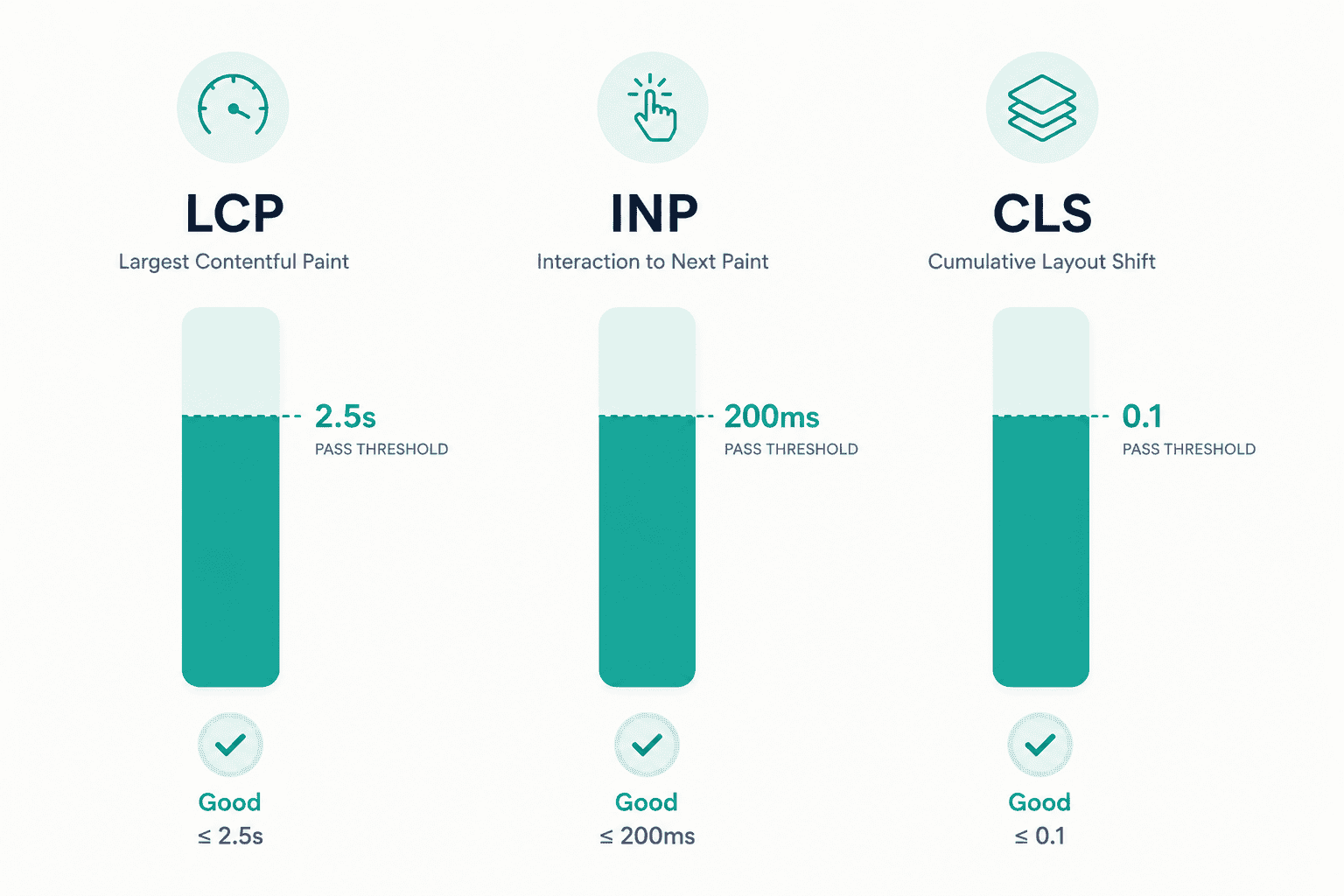
Core Web Vitals: A Practical Guide to a Faster, Higher Ranking Site
What LCP, INP, and CLS actually measure, the fixes that move each metric, how to measure them correctly, and the real business impact of getting them right.
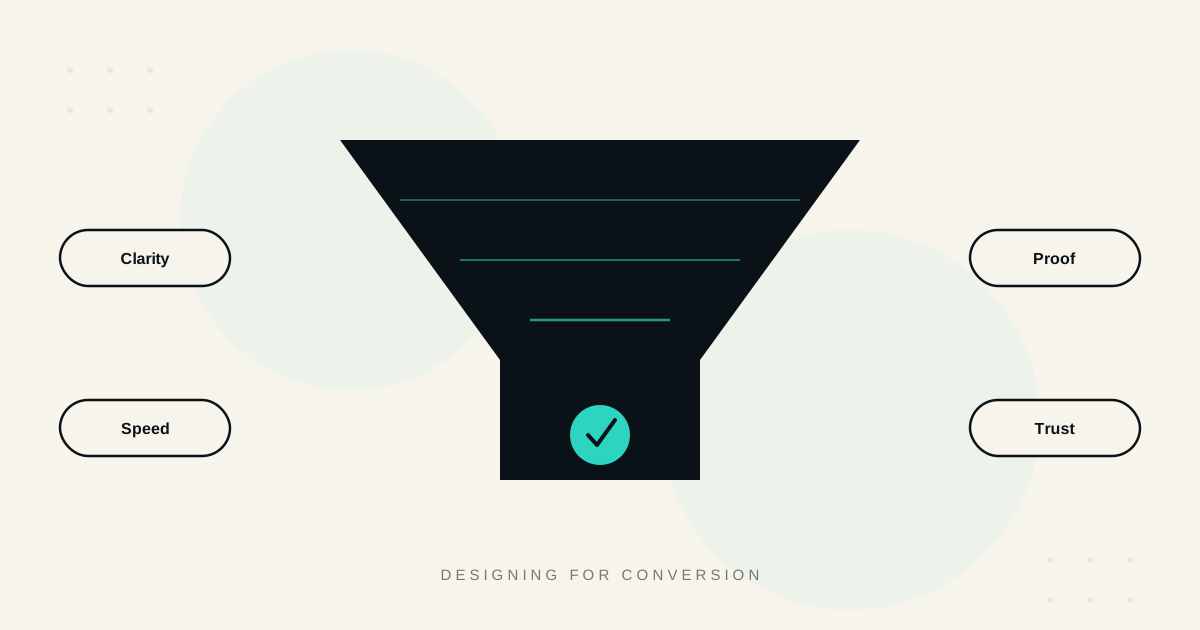
Designing for Conversion: What High Performing B2B Sites Get Right
What separates high-converting B2B websites from the rest, clarity, proof, speed, CTA design, trust, and how to actually measure whether design changes are working.