
Resources
Next.js for Business Websites and Apps: Why It Wins in 2026
Why Next.js has become the default choice for fast, SEO-friendly business websites and apps, where it genuinely wins, and when it doesn't.

Ahmad Saeed
Full-Stack Engineer, Devity Technologies
Most conversations about "which framework should we build on" get treated as a purely technical decision, something for the developers to argue about while the actual business impact sits somewhere else entirely. That framing misses the point. For a business website or application, the framework choice is directly tied to two things that matter to revenue: whether Google can find and rank your pages, and whether visitors stick around long enough to convert. Next.js has become the default answer to both questions for a reason, and this guide covers exactly why, where it genuinely earns that reputation, and where the honest limits are.
Why the Framework Choice Actually Matters for SEO and Conversion
A framework is not just an implementation detail buried under the hood. It determines how fast a page reaches a visitor's screen, how completely a search engine can read the page's content, and how much engineering effort it takes to keep both of those things true as the site grows. Get this choice wrong early, and you end up paying for it twice, once in lost rankings and abandoned visitors, and again in the cost of migrating away from it later.
This is why "which framework" and "will this site rank and convert" are really the same question asked two different ways.
Server-Side Rendering and Why It Still Matters for SEO
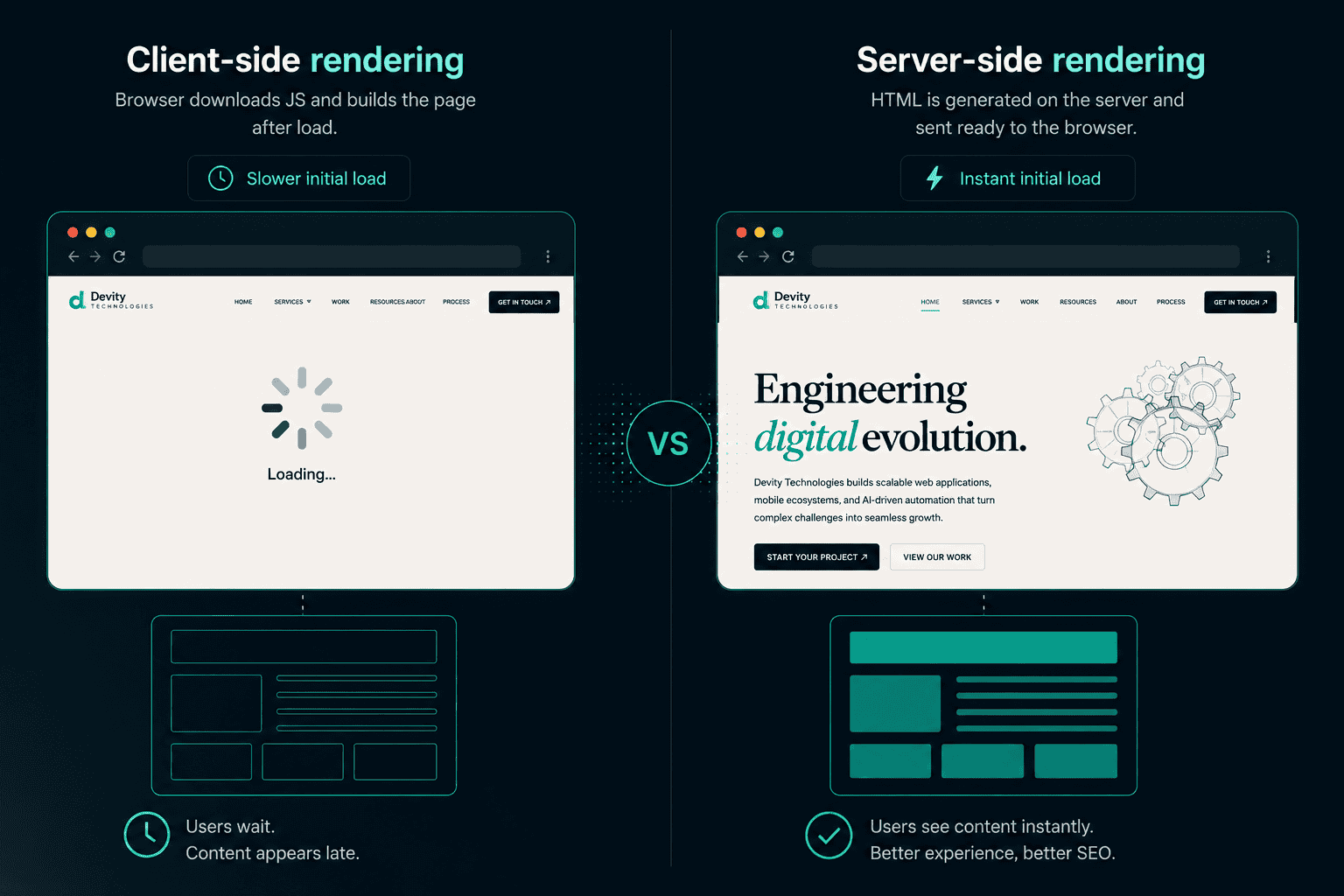
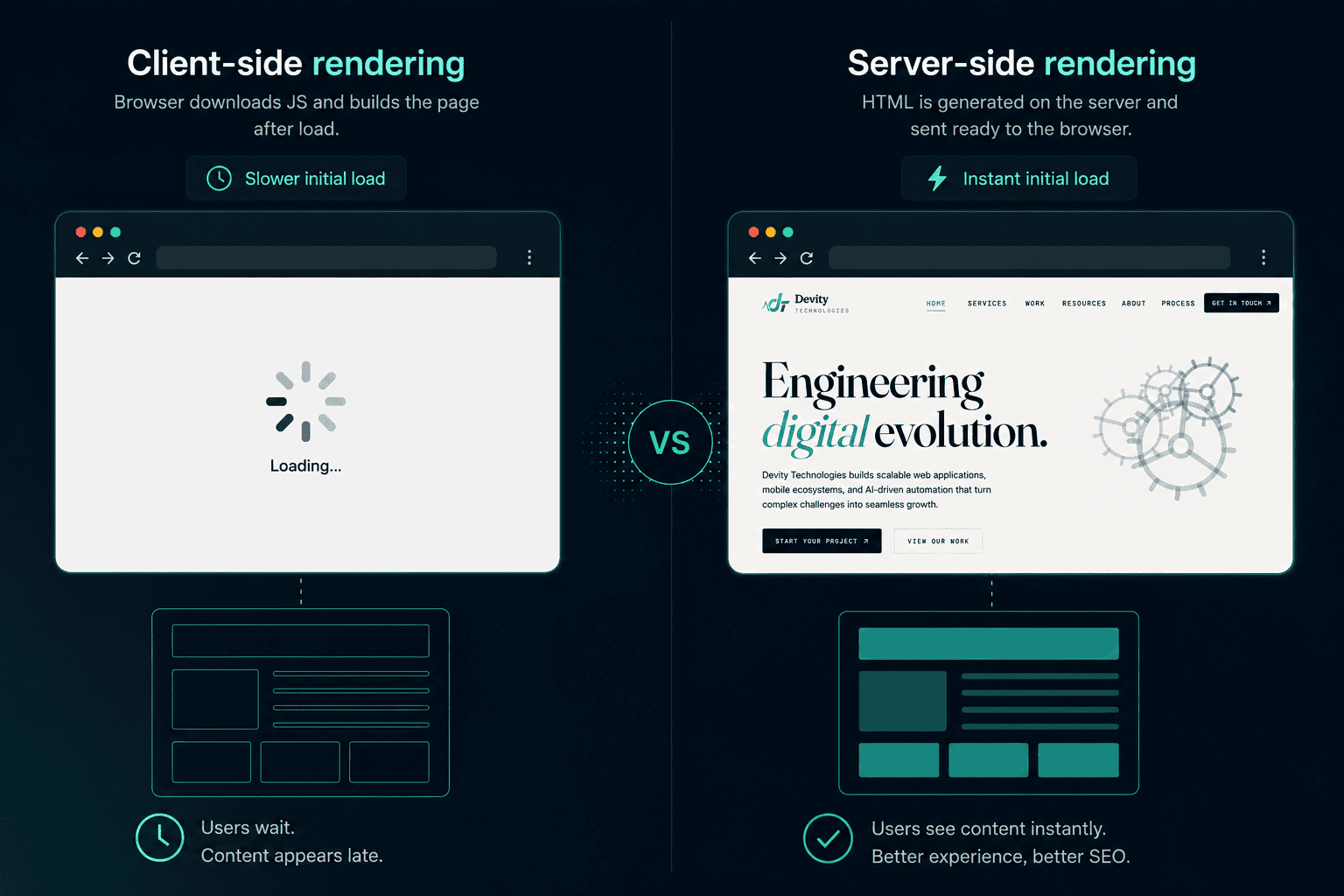
Plain React, the library Next.js is built on top of, renders a page's content inside the browser after the JavaScript downloads and runs. For a search engine crawler, that means the raw HTML it first receives is often close to empty, a shell that needs JavaScript execution before any real content appears. Modern crawlers can execute some JavaScript, but it is slower, less reliable, and not guaranteed to capture everything, particularly content that loads after an additional data fetch.
Next.js solves this by rendering the page on the server before it ever reaches the browser. A crawler requesting the page gets back fully formed HTML immediately, headings, body text, links, and structured data all present in that first response, no JavaScript execution required to see it. This is not a marginal technical nicety. It is the difference between a page a search engine can confidently index right away and one it has to work harder to understand, with more room for something to be missed.
The same principle applies to AI-powered answer engines like ChatGPT, Perplexity, and Google's AI-driven search features. These systems generally read the raw content of a page more like a traditional crawler than a full browser, which means a server-rendered page is far more likely to be accurately represented in an AI-generated answer than a client-side-only one.
Performance: What Next.js Actually Does for Load Times
Server-side rendering is one lever. Next.js pulls several others at the same time:
- Automatic code splitting, so a visitor's browser only downloads the JavaScript needed for the page they are actually on, not the entire application
- Static site generation (SSG), which pre-builds pages once at build time rather than on every request, for content that does not change on a per-visitor basis
- Incremental static regeneration (ISR), which lets a statically generated page be quietly refreshed in the background on a schedule, combining the speed of static pages with content that stays current
- Image optimisation, automatically serving correctly sized, modern-format images rather than whatever raw file was uploaded
None of these are exotic add-ons that require custom engineering to bolt on. They are built into the framework, which is a meaningful part of why performance and SEO tend to arrive together rather than needing to be independently fought for.
Edge Rendering: The Part Most Explainers Skip
Most articles on this topic stop at "SSR is fast," which undersells what is actually possible now. Edge rendering takes that same server-side logic and runs it on infrastructure distributed geographically close to the visitor, rather than a single, fixed server location. A visitor in Sydney and a visitor in London can each get a page rendered from a server near them, rather than both waiting on a round trip to one central data centre.
For a UK studio serving both UK and Australian clients, this detail is not academic. It is the practical difference between a site that feels equally fast for a visitor in Manchester and one in Melbourne, without needing separate regional infrastructure built and maintained by hand.
Next.js vs React: What's Actually Different
"Next.js vs React" is a slightly misleading comparison, since Next.js is built on React, not a replacement for it. The more useful way to frame it is what Next.js adds on top of plain React, and how that stacks up against building a site without any framework layer at all.
| Consideration | Plain React (client-side only) | WordPress | Next.js |
|---|---|---|---|
| SEO out of the box | Weak, content loads after JavaScript runs | Reasonable, but plugin-dependent | Strong, fully rendered HTML on first load |
| Performance ceiling | Depends heavily on manual optimisation | Often weighed down by plugins and themes | High, with built-in optimisation |
| Editorial flexibility | Requires custom-built admin tooling | Very high, mature ecosystem | High, when paired with a headless CMS |
| Scaling to a complex app | Possible, but requires assembling routing, data fetching, and rendering separately | Not designed for this | Built in from the start |
| Best fit | Highly interactive, logged-in dashboards where SEO is irrelevant | Content-heavy sites with modest technical needs | Marketing sites, SaaS products, and anything in between that needs both content and application logic |
The honest takeaway is that plain React is still the right tool for something like an internal, logged-in dashboard where no search engine will ever see the page anyway. WordPress remains a reasonable choice for a simple content site with no application logic and a team that wants a familiar editorial experience. Next.js earns its reputation specifically where SEO, performance, and genuine application complexity all need to coexist on the same site, which describes most modern business websites and products.
When Next.js Fits, and When It Doesn't
Next.js is not the correct default for every project, and being upfront about that builds more trust than pretending it is a universal answer.
It fits well when:
- Organic search visibility genuinely matters to the business
- The site needs to combine marketing content with application functionality, a dashboard behind a login, for example
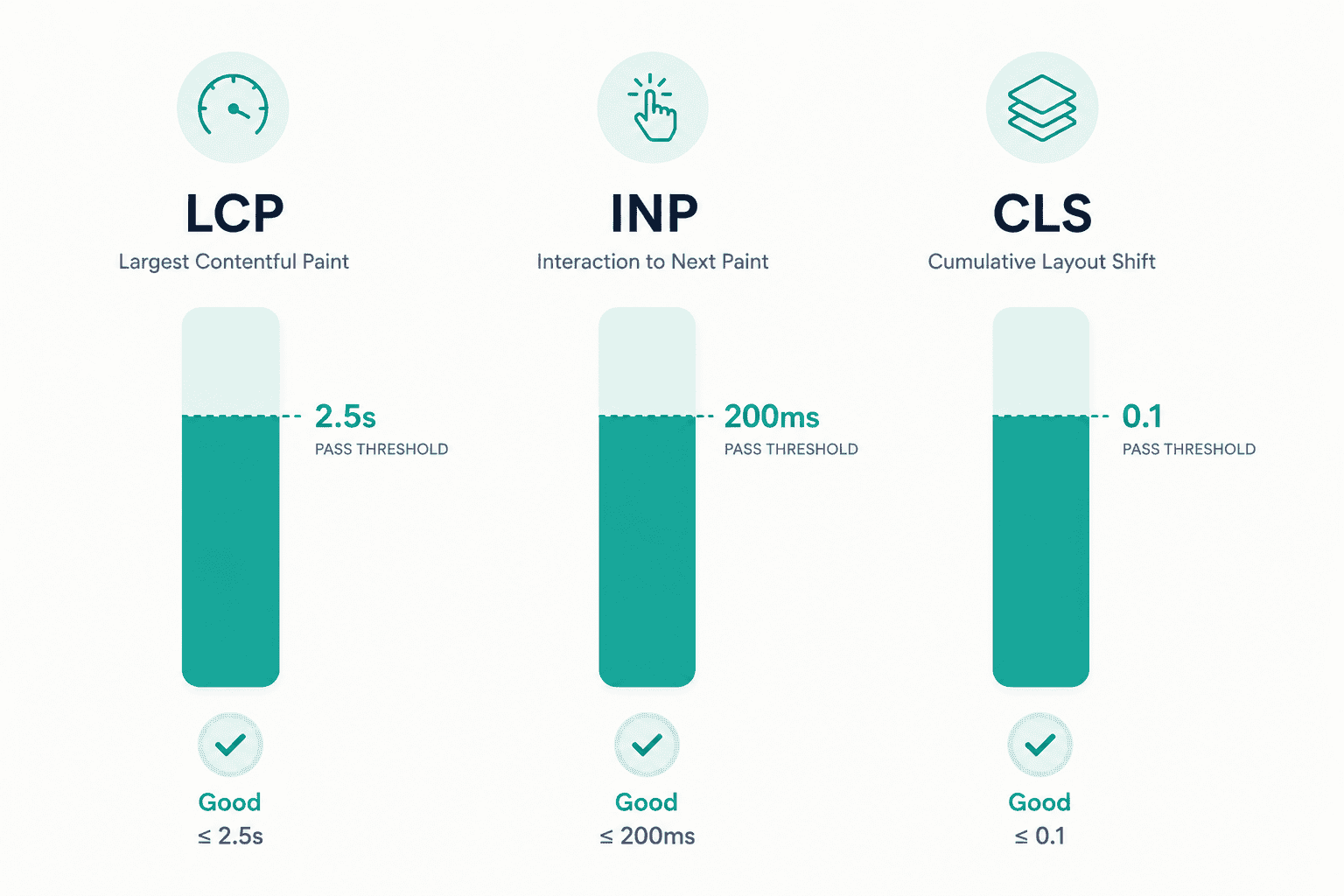
- Performance and Core Web Vitals scores have a measurable effect on conversion or ad quality scores
- The team anticipates growth in complexity over time and wants to avoid a rebuild later
It fits poorly when:
- The project is a simple, static brochure site with no plans to grow, where a lighter static site generator might be genuinely simpler
- The entire application sits behind a login with zero SEO requirement, where the rendering strategy matters far less
- The team has no JavaScript or React experience at all and the timeline does not allow for the learning curve
Being honest about the second list is exactly what separates a genuine engineering recommendation from a sales pitch that reaches for the same technology regardless of fit.
The Migration Path: Moving From React or WordPress to Next.js
A full rebuild is rarely necessary, and rarely the right first move. The more common and lower-risk path looks like this:
- Audit the current site's actual bottlenecks. Slow load times, poor indexing, or a content team fighting the CMS are different problems with different priorities.
- Migrate the highest-value pages first. Usually the homepage and the pages driving the most organic traffic or leads, not the entire site at once.
- Keep the rest of the site running in parallel while the migrated sections are tested and validated in production.
- Expand page by page or section by section, rather than committing to a single big-bang cutover with no rollback path.
- Re-validate SEO signals at each stage, redirects, metadata, and structured data carried across correctly, since a technically successful migration that loses rankings in the process has not actually succeeded.
This is close to the exact path this site itself took, moving from a client-side-rendered setup to a fully server-rendered Next.js build, page by page, while keeping metadata, canonical tags, and structured data intact throughout.
A Results Snapshot
The clearest evidence for any of this is a real migration, not a hypothetical one. A legacy web platform with crippling load times and a content pipeline that made updates slow and risky was replatformed onto an edge-rendered Next.js stack with a headless CMS, component library, and full analytics instrumentation. The result was a 50% lift in lead conversion, a Largest Contentful Paint of 0.8 seconds, and a 70% reduction in publish time for the content team. See the full case study. For a deeper look at how the underlying architecture decisions get made, our web platform development service covers the full process end to end.
That is the actual argument for Next.js in 2026. Not that it is the newest or most talked-about framework, but that when SEO, performance, and real application complexity all need to live on the same site, it is currently the tool that handles all three without asking you to choose between them.
FAQ
Questions, Answered.
Read next
More on Web Platforms
API First Architecture: Building Software That Scales and Integrates
What API-first architecture actually means, the real benefits, how it enables genuine integration and reuse, and when it matters versus when it's unnecessary overhead.
Build vs No Code for Web Apps: Where the Line Really Is
Where no-code web app builders genuinely excel, where they break down, and how to think about performance, ownership, and the migration path before you commit.
Core Web Vitals: A Practical Guide to a Faster, Higher Ranking Site
What LCP, INP, and CLS actually measure, the fixes that move each metric, how to measure them correctly, and the real business impact of getting them right.